
AutoCAD Fundamental WorkSkills
Learn Skills Online or in a Scheduled Classroom


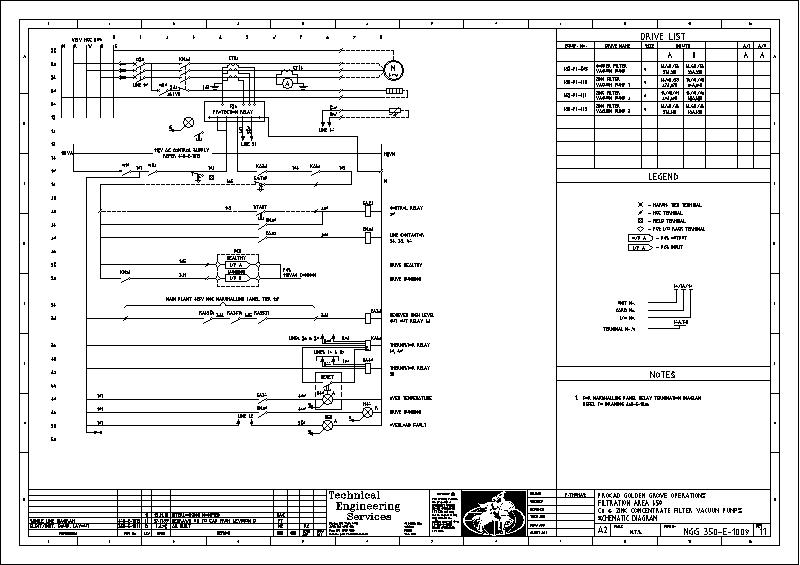
The objective of AutoCAD and AutoCAD LT Fundamental Introduction Course is to enable students to create a basic 2D drawing in the AutoCAD software. Even at this fundamental level, the AutoCAD software is one of the most sophisticated computer applications that you are likely to encounter. Therefore learning to use it can be challenging. This course can be extended with the addition of the AutoCAD Advanced Course.
This Course covers the essential core topics for working with the AutoCAD software. The teaching strategy is to start with a few basic tools that enable the student to create and edit a simple drawing, and then continue to develop those tools. The course will show the most essential tools and concepts, such as:
Module 1: Getting Started with AutoCAD
• Starting the Software
• User Interface
• Working with Commands
• Cartesian Workspace
• Opening an Existing Drawing File
• Viewing Your Drawing
• Saving Your Work
Module 2: Basic Drawing & Editing Commands
• Drawing Lines
• Erasing Objects
• Drawing Lines with Polar Tracking
• Drawing Rectangles
• Drawing Circle
• Undo and Redo Action
Module 3: Projects - Creating a Simple Drawing
• Create a Simple Drawing
• Create Simple Shapes
Module 4: Drawing Precision in AutoCAD Fields
• Using Running Object Snaps
• Using Object Snap Overrides
• Polar Tracking at Angles
• Object Snap Tracking
• Drawing with Snap and Grid
Module 5: Making Changes in Your Drawing
• Selecting Objects for Editing
• Moving Objects
• Copying Objects
• Rotating Objects
• Scaling Objects
• Mirroring Objects
• Editing with Grips
Module 6: Projects - Making Your Drawings More Precise
• Schematic Project: Electronics Diagram
• Architectural Project: Landscape
• Mechanical Projects (with Polar & Tracking)
Module 7: Organizing Your Drawing with Layers
• Creating New Drawings With Templates
• What are Layers?
• Layer States
• Changing an Object’s Layer
Module 8: Advanced Object Types
• Drawing Arcs
• Drawing Polylines
• Editing Polylines
• Drawing Polygons
• Drawing Ellipses
Module 9: Getting Information from Your Drawing
• Working with Object Properties
• Measuring Objects
Module 10: Projects - Drawing Organization & Information
• Architectural Project
• Mechanical Project
• Civil Project
Module 11: Advanced Editing Commands
• Trimming and Extending Objects
• Stretching Objects
• Creating Fillets and Chamfers
• Offsetting Objects
• Creating Arrays of Objects
Module 12: Inserting Blocks
• What are Blocks?
• Inserting Blocks
• Working with Dynamic Blocks
• Inserting Blocks with DesignCenter
• Inserting Blocks with Content Explorer
Module 13: Preparing Layout for Plotting
• Model Space vs PaperSpace
• Creating Viewports
• Scaling Viewports
• Plotting Page Setups
• Architectural Project 1 - Floor Plan
• Architectural Project 2 - Floor Plan
• Civil Project - Parking Lot
Module 14: Setting Up a Layout
• Printing Concepts
• Working in Layouts
• Copying Layouts
• Locking Viewports
• Guidelines for Layouts
Module 15: Printing Your Drawing
• Printing Layouts
• Printing from the Model Tab
Module 16: Projects - Preparing to Print
• Mechanical Project
• Architectural Project
Module 17: Text
• Working with Annotations
• Adding Text in a Drawing
• Modifying Multiline Text
• Formatting Multiline Text
• Adding Notes with Leaders to Your Drawing
• Creating Tables
• Modifying Tables
Module 18: Hatching
• Hatching
• Editing Hatches
Module 19: Adding Dimensions
• Dimensioning Concepts
• Adding Linear Dimensions
• Adding Radial & Angular Dimensions
• Editing Dimensions
Module 20: Projects - Annotating Your Drawing
• Mechanical Project
• Architectural Project 1
• Architectural Project 2
• Civil Project
Appendix A Skills Assessment Part 1
Appendix B AutoCAD Certified Professional Exam Objectives
We speak your language - You'll find we're all open, approachable and can communicate at all levels. We'll cut through the "tech talk", breaking it down into easily understandable concepts. Whatever the situation, you'll know exactly what we're teaching and why.
PROCAD has an affinity for Training CAD and has done this for 33 years.